Our Products
For the Onlineshop Rand Consulting gmbH – www.randconsulting.at
Reliable Commerce, Every Click
Showing all 6 resultsSorted by price: low to high

Discover the valuable solutions and services in RAND CONSULTING’s portfolio, designed to meet your unique needs and drive success.
Welcome to explore how we can cooperate with you to achieve your goals
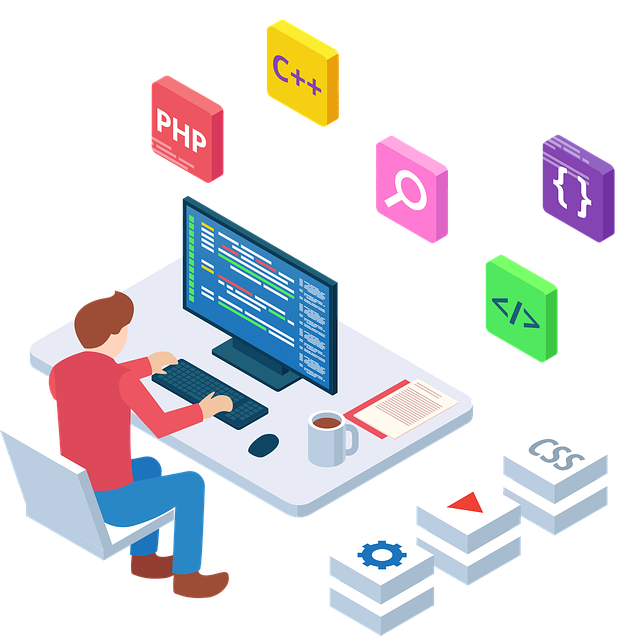
Web Solutions
We tailor web solutions to organizational goals, creating value and helping clients achieve success
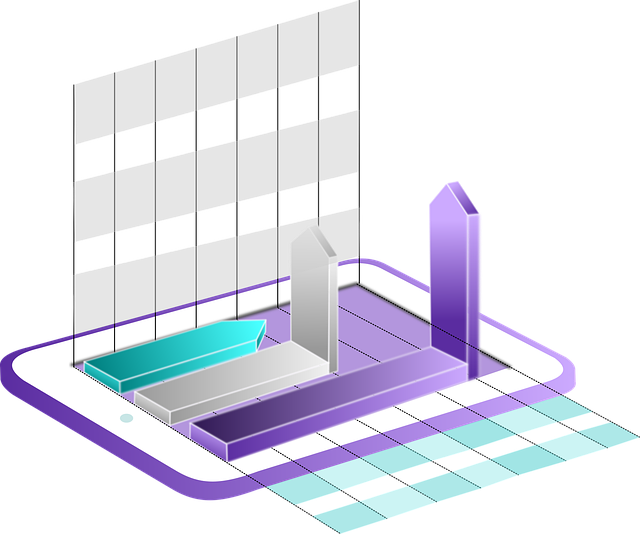
Development
We deliver cutting-edge software and mobile apps, creating significant value and achieving client goals

IT Consulting
We develop business plans, solve challenges with technology, and prioritize your budget with advice

Discover the IT fields that Rand Consulting supports with tailored solutions designed to address unique challenges and drive success
We pride ourselves on delivering innovative solutions and exceptional services tailored to meet your unique needs.

With many years of experience in software solutions and project management, Rand Consulting supports businesses across diverse industries from our base in Vienna.
Our clients span diverse sectors, and each benefits from our tailor-made solutions and trusted partnerships.
For the Onlineshop Rand Consulting gmbH – www.randconsulting.at
Reliable Commerce, Every Click
Showing all 6 resultsSorted by price: low to high